

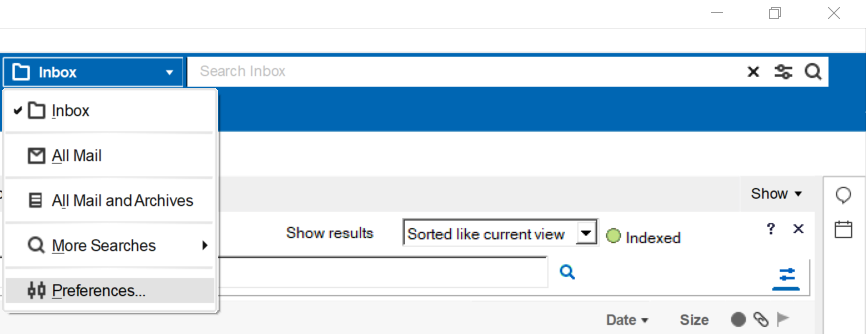
After upgrading from V9 to V11, we discovered that the Client Search is not working fine. You cannot change the filters or even change settings for it. It results in a “MissMatch Error”.

The only Search, by default, was in your current mailfile. You could not set it to “All Mail and Archives” anymore. We tested it with a HCL Notes V12 client, and also this client has the same problem.
After 2 weeks of intensive support with HCL we found the solution for it, outside of HCL Notes V11 ofcourse. It was not a bug, but an external cause.

Windows 10 comes with a feature called AppLocker, and this is enabled in this environment. AppLocker helps you control which apps and files users can run. These include executable files, scripts, Windows Installer files, dynamic-link libraries (DLLs), packaged apps, and packaged app installers.
And for some dark reason, one DLL from Notes was blocked by the AppLocker: DTSearch.dll
The moment we put this dll in the whitelist, search was working like before.
Views: 992